Your password
needs a second lock.
Protect every online account with time-based one-time codes. Scan a QR code to add an account in seconds, generate strong passwords, and keep all your 2FA codes in one simple app.
- Downloads
- 10,000+
- Rating
- 4.0
- Price
- Free
Real TOTP codes, generated in your browser every 30 seconds.
Small app. Serious protection.
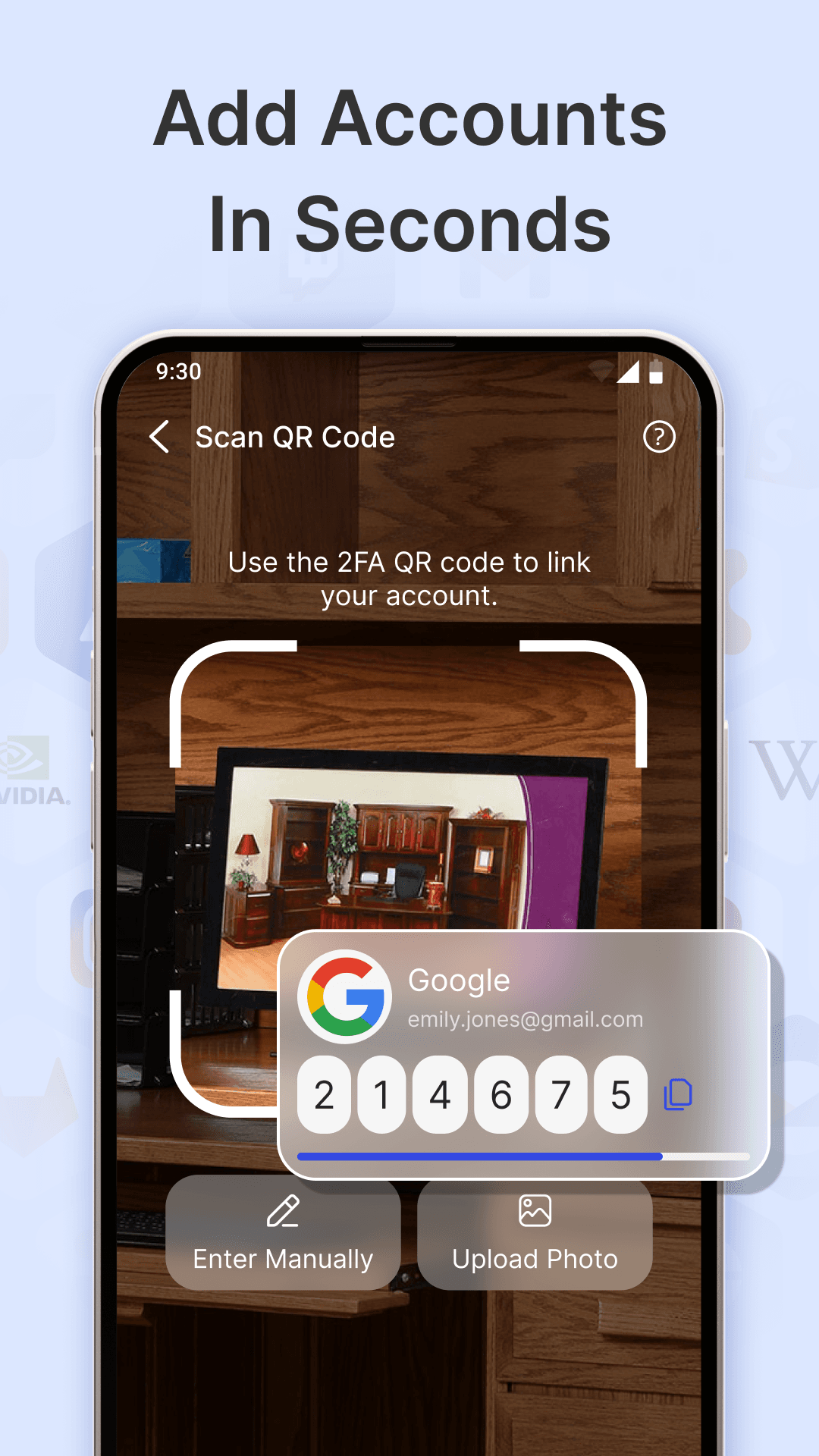
Quick QR code scanning
Scan the QR code from any service to add an account instantly — or enter the setup key manually, or upload a photo of the code.
TOTP & HOTP support
Generates standard 6-digit time-based (TOTP) and counter-based (HOTP) one-time passwords, compatible with thousands of services.
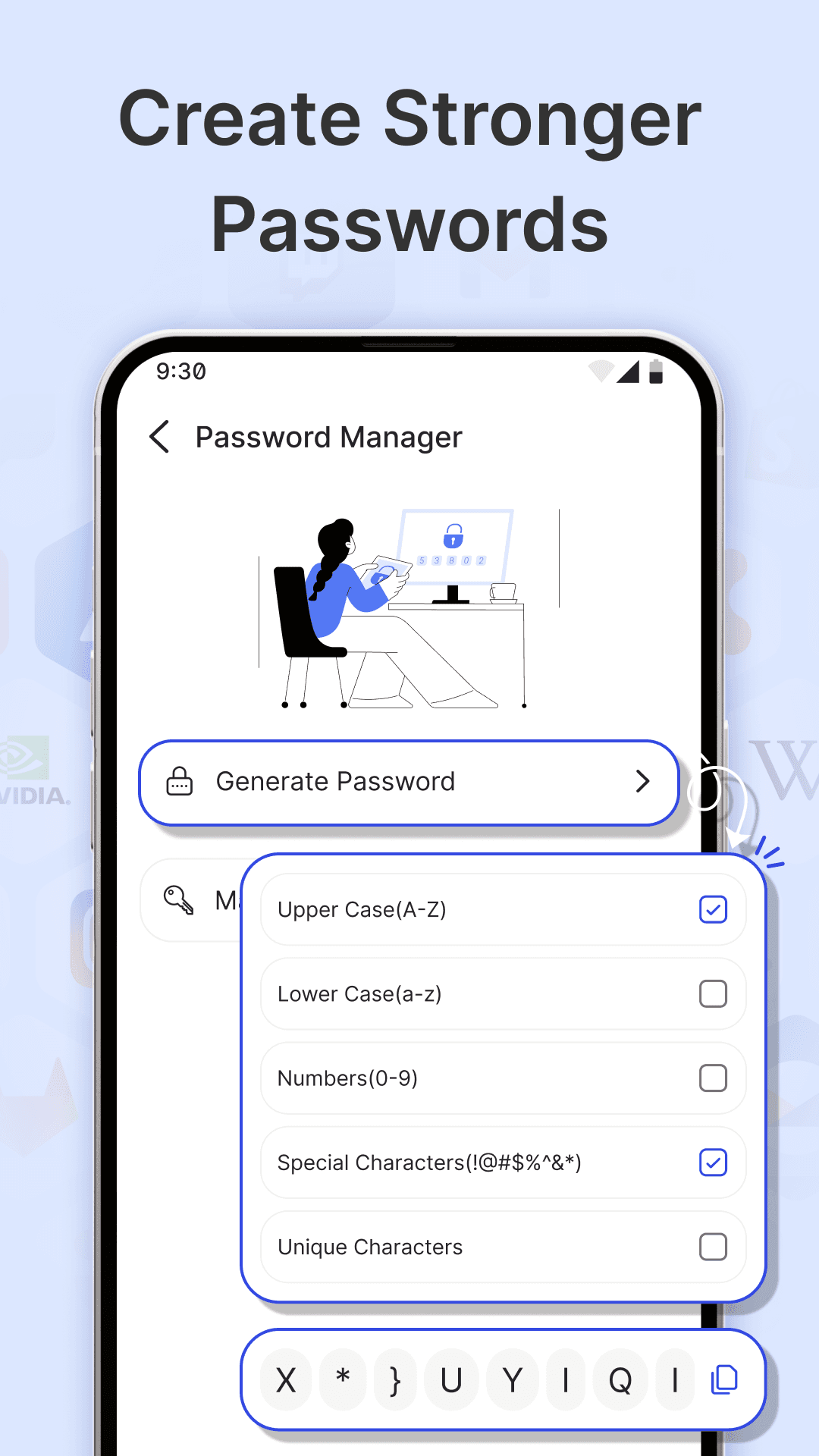
Password manager & generator
Create strong passwords with upper and lower case, numbers and special characters, and keep your passwords together in one place.
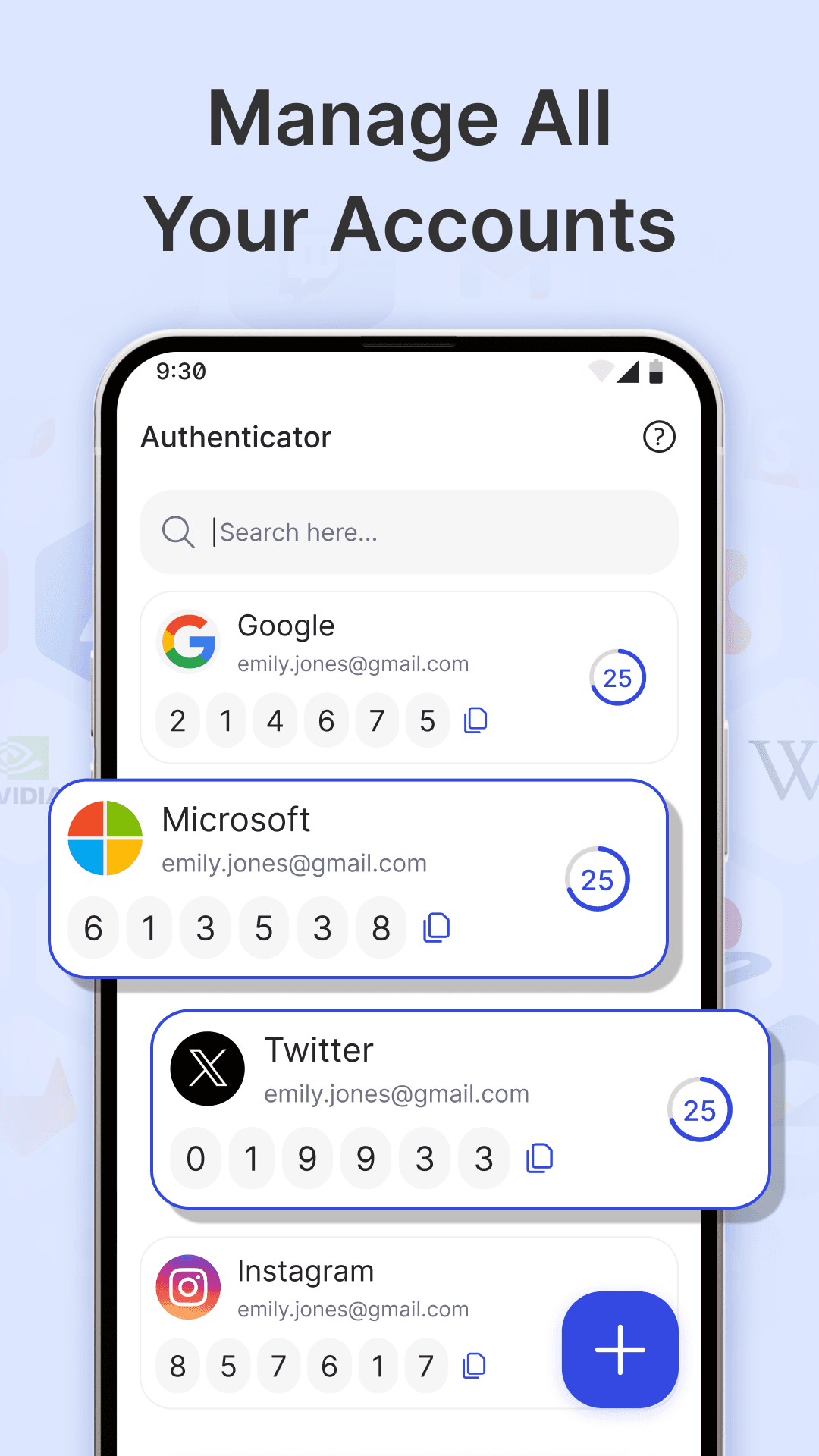
Search all your accounts
Find any account in a moment with built-in search — handy once you've secured email, social, banking and cloud logins.
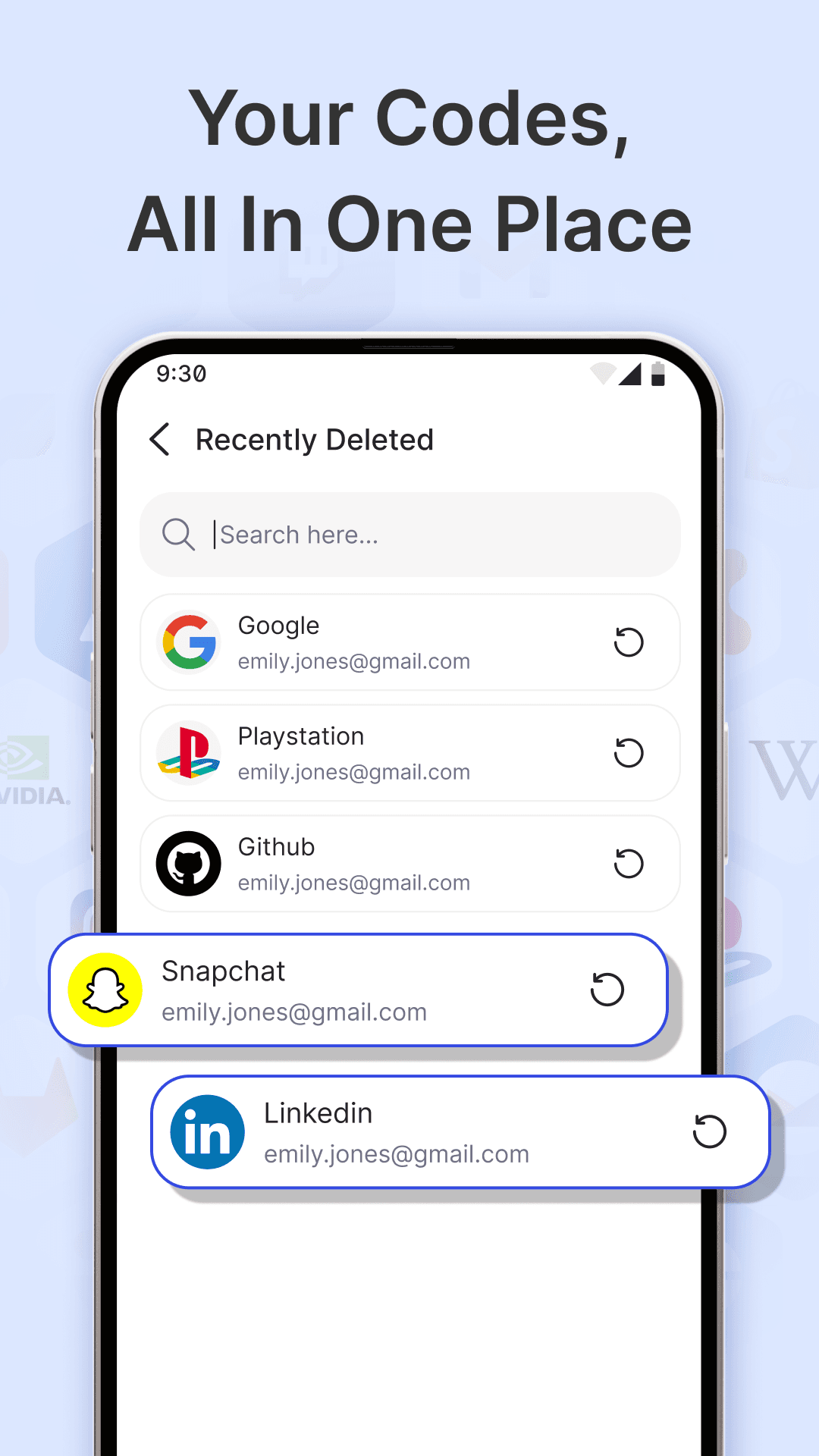
Recently deleted
Removed an account by mistake? Restore it from the Recently Deleted list instead of setting up 2FA all over again.
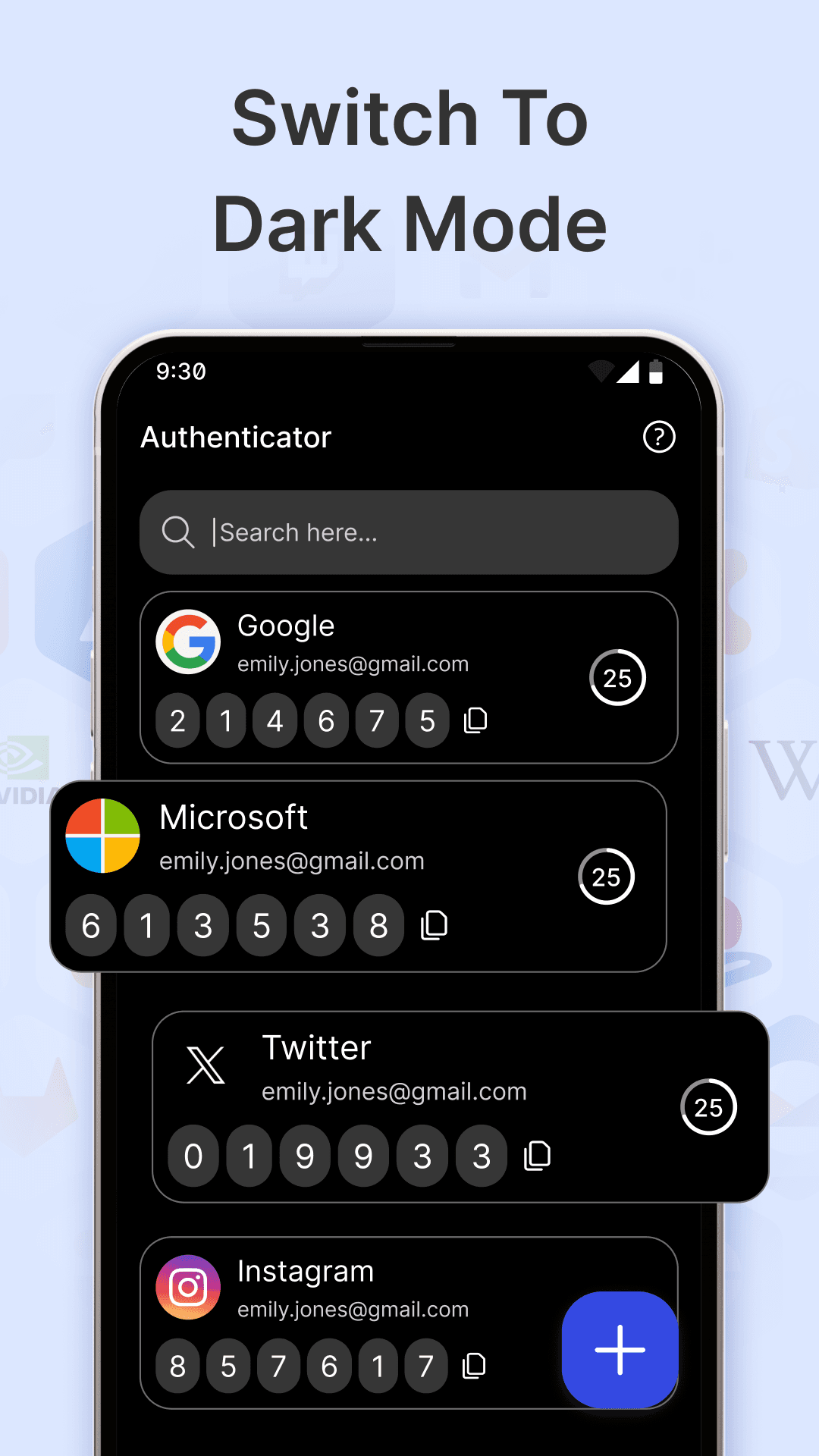
Light & dark mode
A clean, intuitive interface that looks great day or night. Switch to dark mode whenever you like.
Protected in under a minute
Three steps to add a second layer of protection to any account.
- 01
Turn on 2FA
Open your account's security settings on Google, Microsoft, Instagram or any other service and choose “authenticator app”.
- 02
Scan the QR code
Tap + in Authenticator App and scan the QR code — or type the setup key manually. Your account is added in seconds.
- 03
Sign in with your code
Enter the 6-digit code shown in the app when you log in. Even if your password leaks, your account stays protected.
Inside Authenticator App
Real screens from the app on Google Play.

No fine print. Just facts.
Exactly what the app accesses and why, in plain language.
Codes generated on your device
One-time codes are calculated locally on your phone from the secret key you add, using the standard TOTP / HOTP algorithms.
Camera only for QR codes
Camera access is used to scan 2FA QR codes when you add an account. You can always enter the key manually instead.
No personal data collected
We don't ask for your name, email or phone number, and we never collect or store personal data on our servers.
Ads & analytics disclosed
The app is ad-supported. Ad and analytics partners may use device identifiers and crash data — see our Privacy Policy for details.
Questions, answered
2FA adds a second step to your logins beyond your password — a 6-digit one-time code from this app. Even if someone steals your password, they can't sign in without the code on your phone.
Enable 2FA in your service's security settings and choose an authenticator app. Then tap + in Authenticator App and scan the QR code shown on screen. You can also enter the setup key manually or upload a photo of the QR code.
Any service that supports authenticator apps using TOTP or HOTP — including Google, Microsoft, Instagram, X (Twitter), GitHub, LinkedIn, Snapchat, PlayStation and thousands more.
No. Codes are generated on your device from your secret key and the current time, so they keep working without a connection. Just make sure your phone's clock is set automatically.
Open the Recently Deleted screen and tap restore next to the account to bring it back, with no need to set up 2FA again.
Yes, it's free to download on Google Play. The app is supported by ads and offers optional in-app purchases.
Lock down your logins today.
Download Authenticator App for free and add a second layer of protection to every account in minutes.